Expense Ex is the fast, private way to log spending, set budgets, and see exactly where your money goes — all on your phone.
Not on the Play Store yet. You'll install this app directly (sideload), and it takes about 30 seconds. See the simple steps below.
There's no App Store version yet, but the iOS web app installs to your Home Screen and works just like a native app. See the 4 steps below.
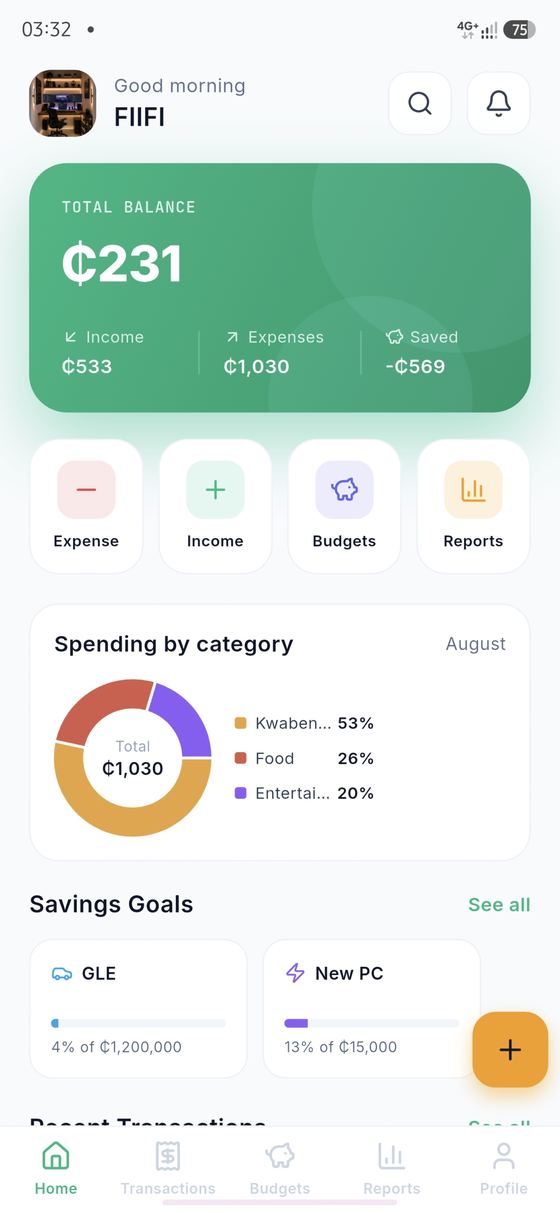
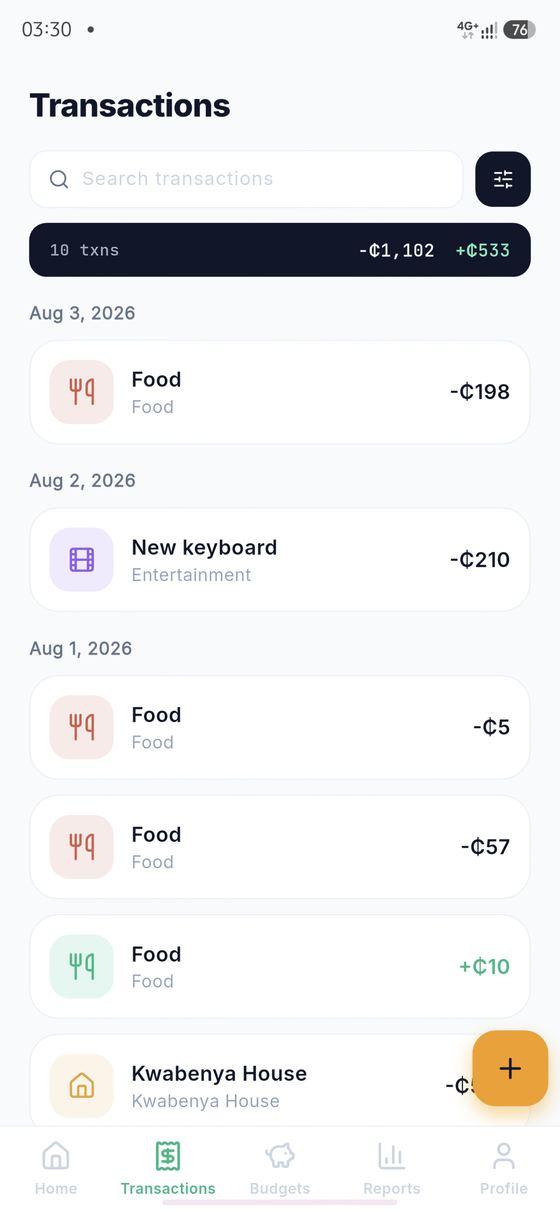
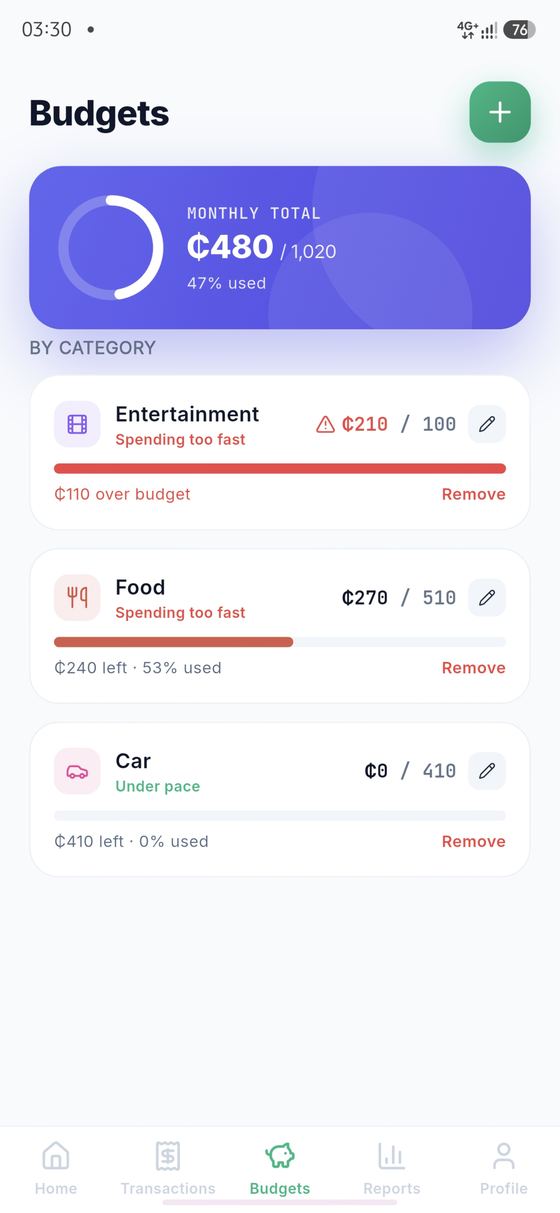
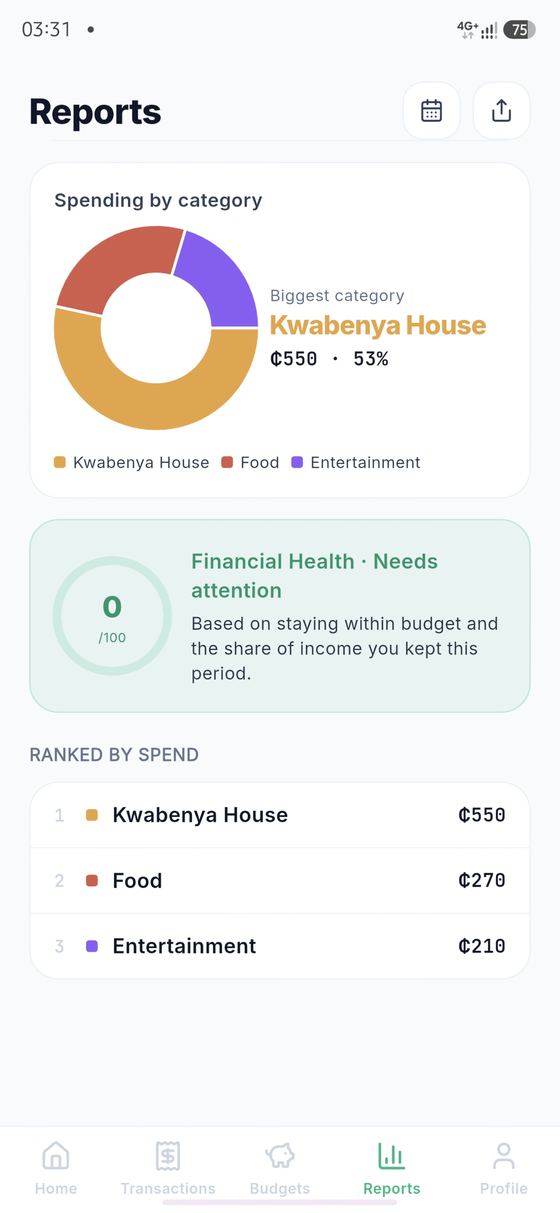
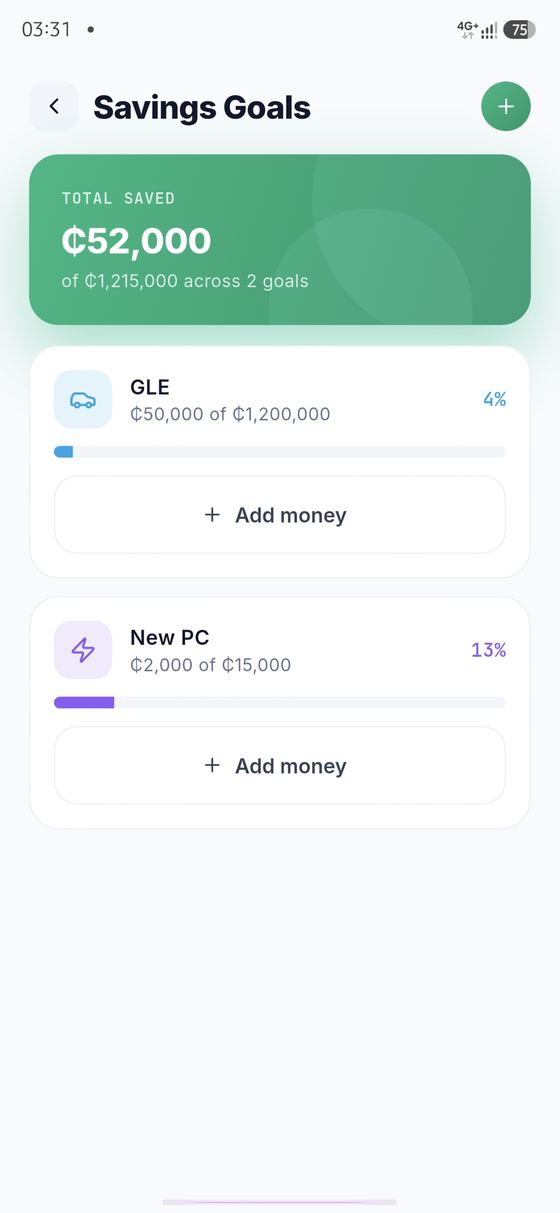
Add an expense or income in seconds. No accounts required to try it, just open and log.
Organize spending into categories and set monthly limits that keep you on track.
Clear pie, bar and trend charts show exactly where your money goes each month.
Because Expense Ex isn't on the Play Store yet, your phone needs a quick one-time permission to install it. Here's exactly what to tap.
Expense Ex isn't on the App Store yet, so the iOS version runs as a web app instead. Once it's added to your Home Screen, it opens full-screen with its own icon, just like any other app.
The iOS web app has all the same budgeting features as Android. Two small differences: unlock uses a PIN only (no Face ID/Touch ID), and it won't send push notifications.